beige 0.3
A screensaver that very slowly turns your screen beige. Progress persists between sessions.
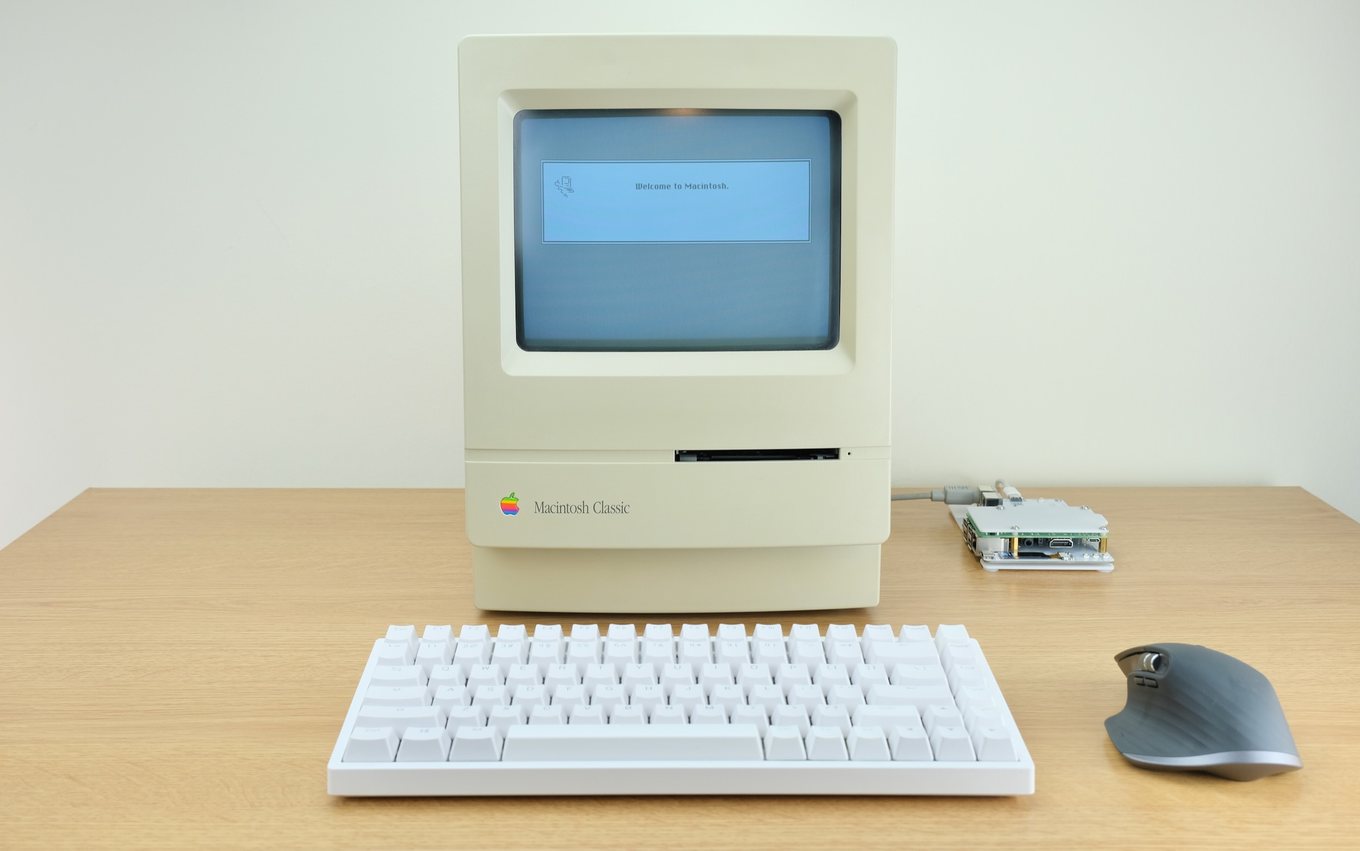
Most screensavers start over each time you come back. beige doesn’t. It keeps one number in ~/.beige, adds to it while you’re away, and picks up where it left off. At the default rate a screen takes about four years of idle time to finish (see Fig. 1).
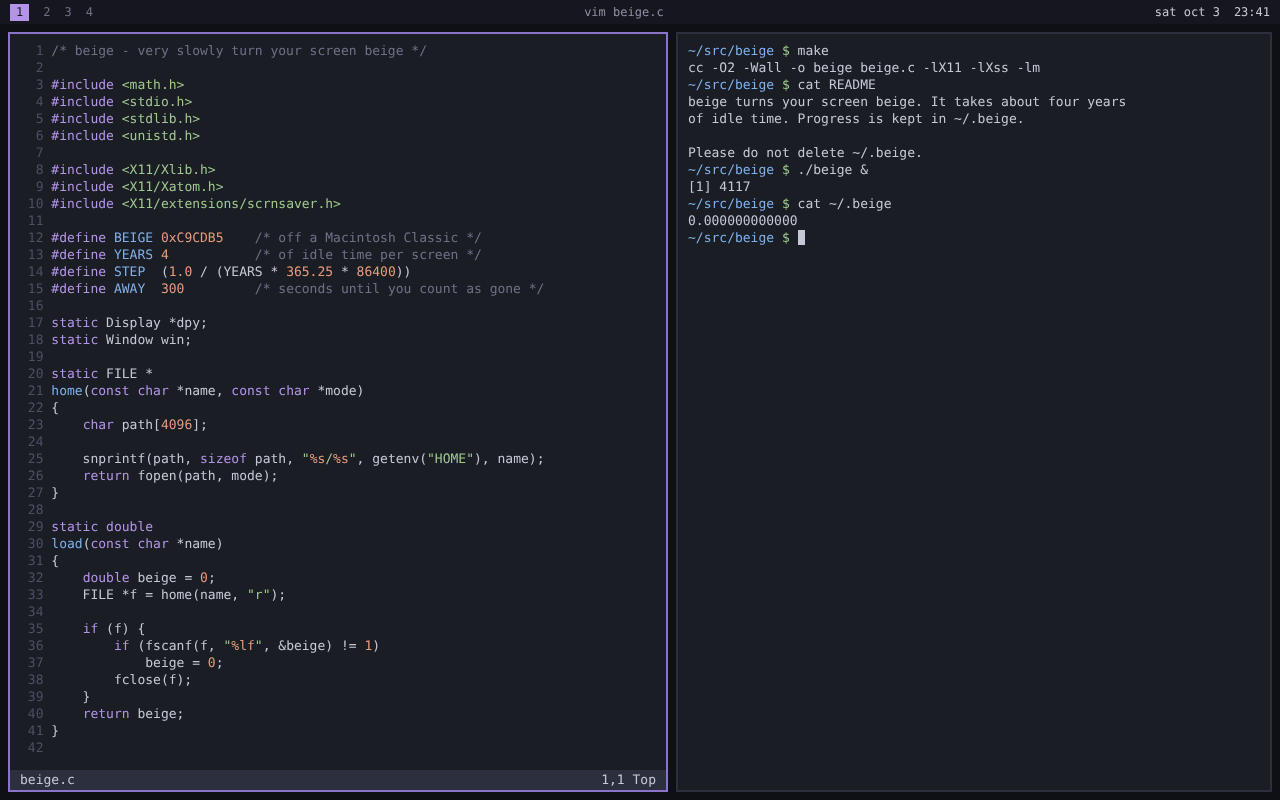 day 0
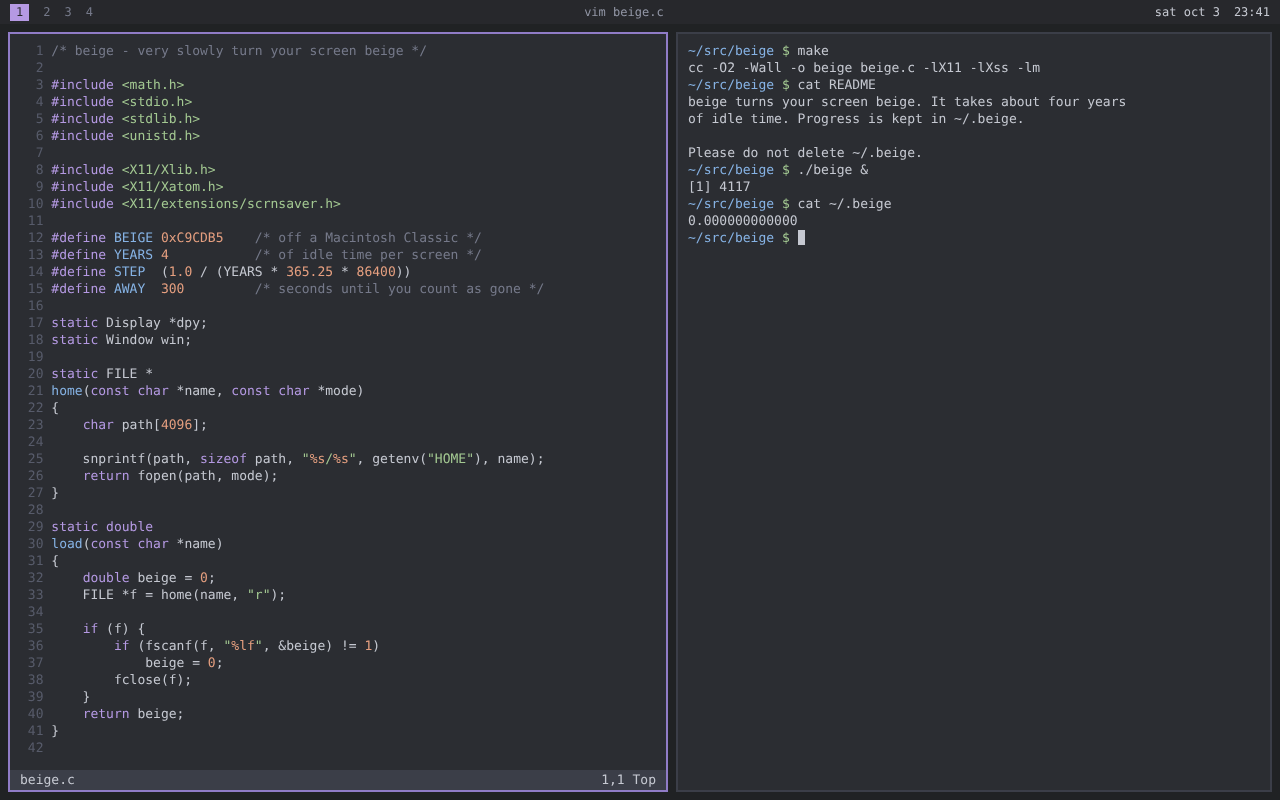 day 141
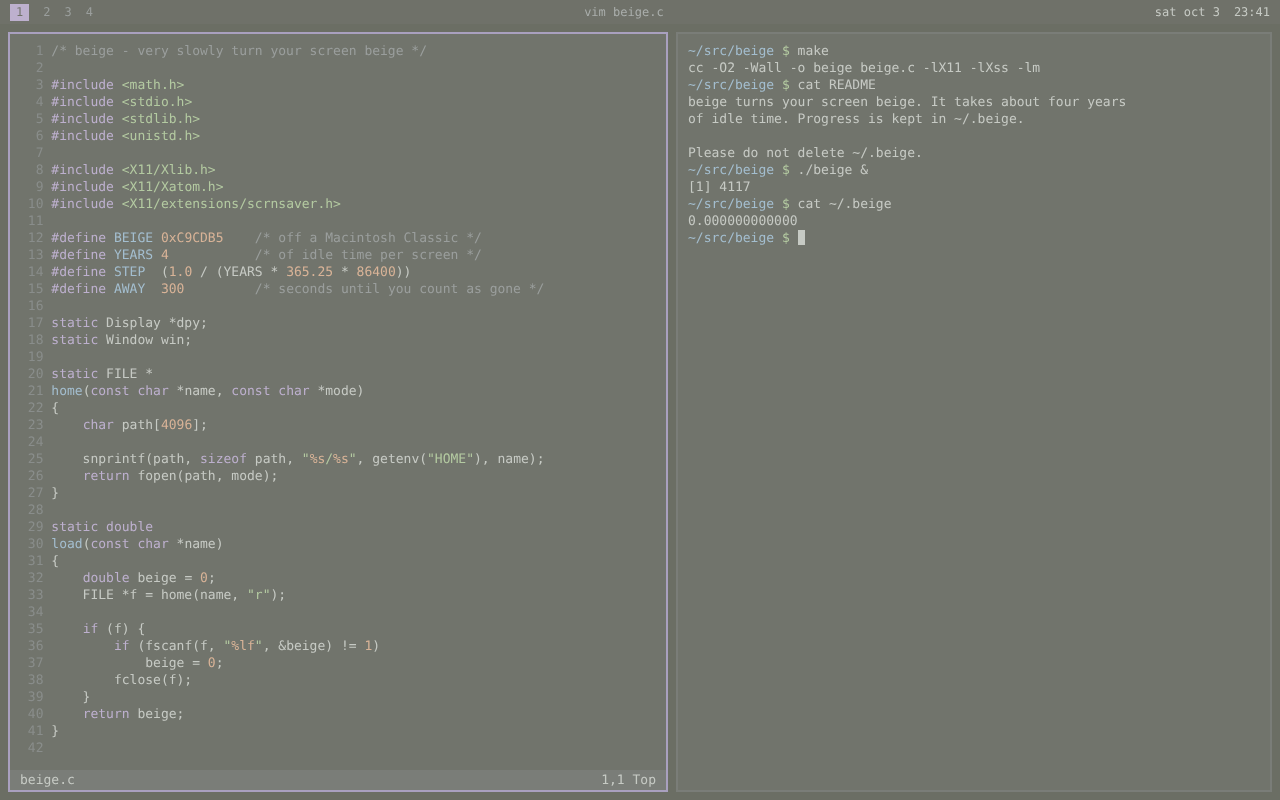 day 730
 day 1,461
Version 0.3 is the first public release. The author has seen it finish exactly once, on a test machine with the rate turned way up.
This is all of main:
#define BEIGE 0xC9CDB5    /* off a Macintosh Classic */
#define YEARS 4           /* of idle time per screen */
#define STEP  (1.0 / (YEARS * 365.25 * 86400))

int
main(void)
{
    double beige = load(".beige");

    setup();
    for (;;) {
        if (idle()) {
            beige = fmin(beige + STEP, 1.0);
            tint(BEIGE, beige);
            save(".beige", beige);
        } else {
            untint();
        }
        sleep(1);
    }
}
I like it because it has one job and no hurry. The source is one file and the README is shorter than this paragraph. Build it,
$ make && ./beigeleave it alone, read beige.c while you wait, and tell us how beige you got.
- Source
beige-0.3.tar.gz- Written in
- C, one file
- License
- WTFPL
- Filed under
- screensavers, zen
Comments